English
 Arabic
 French
 Spanish
 Portuguese
 Deutsch
 Turkish
 Dutch
Dutch
 Italiano
 Russian
 Romaian
 Portuguese (Brazil)
 Greek
Greek
N-Methyl-2-pyrrolidone Market Trends
Other |
2026-06-11 11:40:14
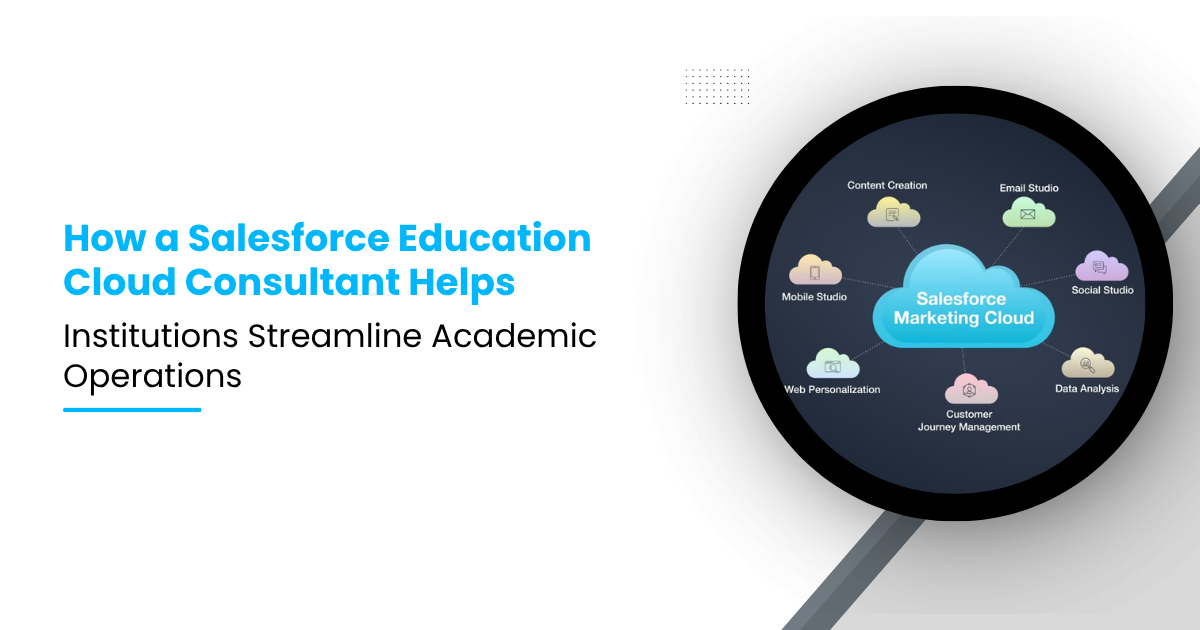
Education institutions now manage more systems, more student data, and more service requests than ever before. Admissions teams, academic advisors, registrars, finance staff, and student support offices often work across disconnected platforms. This creates delays, duplicate records, and poor visibility.
The pressure is growing. Salesforce reports that institutions using its education solutions have seen a 5.5% increase in student enrollment and a 15% rise in first-year retention rates in selected use cases. Salesforce also positions Education Cloud as a unified platform that combines CRM capabilities with next-generation student information system functions.
This is where a Salesforce Education Cloud Consultant becomes valuable. The consultant helps institutions configure the platform, connect systems, automate manual work, and improve how academic teams operate. Their role goes far beyond setup. They translate academic processes into scalable digital workflows.
Academic operations involve many moving parts. These include course planning, registration, advising, records, communication, and student support. When these functions run in separate systems, institutions face several issues.
Common problems include:
Student data spread across multiple systems
Manual registration and advising tasks
Delays in approvals and case handling
Limited visibility into student progress
Duplicate communication from different teams
These issues reduce staff efficiency and create a poor student experience.
Salesforce Education Cloud is built for learner and institution workflows. It supports recruitment, admissions, academic operations, student success, and alumni engagement on a common platform. Salesforce states that the platform includes academic operations capabilities such as flexible program design, registration management, and degree planning.
In practical terms, Education Cloud helps institutions manage:
Student profiles
Academic records
Course and program structures
Advising interactions
Cases and service requests
Registration workflows
Alerts and intervention plans
A Salesforce Education Cloud Consultant makes sure these capabilities match the institution’s real processes.
A Salesforce Education Cloud Consultant acts as both a solution architect and process advisor. They do not just install a tool. They map academic workflows into a structured system.
Their responsibilities often include:
Discovery and process analysis
Data model planning
Education Cloud configuration
Automation design
Integration with SIS, LMS, and ERP systems
Security and access control setup
Dashboard and reporting design
Testing and rollout support
They help institutions move from fragmented operations to connected workflows.
Before any technical work begins, the consultant studies how the institution operates.
This includes:
How students register for classes
How advisors manage appointments
How holds and approvals are handled
How academic alerts are raised
How departments share student information
This step matters because many institutions have process variations across schools, campuses, and programs.
One of the biggest academic challenges is fragmented student data. Different teams often view different versions of the same student.
A Salesforce Education Cloud Consultant solves this by creating a unified student record.
A well-designed student profile can include:
Personal and contact details
Academic program and major
Enrollment status
GPA and academic standing
Advising notes
Support cases
Holds and alerts
Course progress
Salesforce describes Education Cloud as supporting 360-degree student views and academic data in one place.
This unified record helps advisors, faculty support teams, and registrars work from the same source of truth.
Registration is one of the most important academic operations. It also creates many student complaints when systems are slow or confusing.
A Salesforce Education Cloud Consultant improves registration by designing workflows that reduce manual dependency.
They can configure processes for:
Course search and selection
Eligibility checks
Prerequisite validation
Waitlist handling
Registration approvals
Holds and blocks
Salesforce states that Education Cloud supports registration management, eligibility checks, and degree planning workflows.
Technical Value: Instead of using email chains and spreadsheets, students and staff work through structured workflows. This reduces delays and lowers support tickets.
Academic advising is no longer limited to appointment notes. Institutions now need proactive student support based on academic signals.
A Salesforce Education Cloud Consultant helps institutions build advising systems that are more responsive and data-driven.
These may include:
Appointment scheduling
Advisor assignment rules
Case creation for academic concerns
Follow-up task automation
Care plans for at-risk students
Escalation workflows
Salesforce highlights advising support, student summaries, alerts, and personalized support workflows inside Education Cloud.
Manual work slows academic teams. A consultant reduces this burden using Salesforce automation tools such as Flow, approval processes, scheduled actions, and business rules.
Also Read: Integrating Sales Cloud with IoT & Embedded Systems: When Devices = Leads
A Salesforce Education Cloud Consultant can automate:
Registration approvals
Hold notifications
Advising reminders
Academic alert routing
Case escalation
Graduation checklist tasks
Document request workflows
Example: If a student falls below a GPA threshold, the system can:
Create an academic alert
Notify the assigned advisor
Open a support case
Trigger a follow-up task
Send a student communication
This saves time and improves intervention speed.
No institution runs on one system alone. Education Cloud works best when it connects with core campus platforms.
A Salesforce Education Cloud Consultant helps integrate it with systems such as:
Student Information Systems (SIS)
Learning Management Systems (LMS)
ERP or finance platforms
Identity and access tools
Document management systems
Email and communication tools
Salesforce also positions products like MuleSoft and Data Cloud as part of broader education integration and data workflows.
These integrations may support:
Student record sync
Course and section data sync
Grade and attendance updates
Tuition hold status updates
Faculty or advisor assignment updates
Consultants usually define:
Source of truth for each data domain
API or middleware strategy
Data sync frequency
Error handling rules
Data validation logic
This avoids duplication and reporting conflicts.
Academic operations do not stop at registration. Students also raise service requests related to records, enrollment, policies, and support.
A Salesforce Education Cloud Consultant often builds case management systems for these needs.
These include:
Transcript requests
Enrollment verification
Program changes
Withdrawal requests
Graduation checks
Academic policy exceptions
Instead of managing requests through shared inboxes, staff can:
Assign ownership clearly
Track status centrally
Measure response times
Escalate unresolved requests
This creates accountability and improves service quality.
Institutions need more than raw data. They need usable visibility. A Salesforce Education Cloud Consultant builds dashboards and reports for different teams.
Different academic teams need different types of operational visibility. A Salesforce Education Cloud Consultant can design dashboards based on each department’s daily responsibilities.
Advisor dashboards can display students with active alerts, upcoming appointments, students missing academic milestones, and follow-up completion status. This helps advisors manage student support more effectively.
Registrar dashboards can show registration bottlenecks, waitlist demand, holds affecting enrollment, and program completion trends. These insights help registrars monitor academic processes and resolve issues faster.
Leadership dashboards can highlight retention indicators, advising workload, service case volume, and student progression metrics. This gives academic leaders a clearer view of performance and student success trends.
Reactive support often comes too late. Institutions need early signals.
Salesforce notes that Education Cloud can surface early indicators and support data-driven alerts for student intervention.
A Salesforce Education Cloud Consultant can configure alert logic using academic and engagement triggers.
These may include:
Missed advising appointments
Low GPA
Registration inactivity
Course withdrawal patterns
Missing documents
Repeated support cases
Early alerts allow academic teams to intervene before issues affect retention, progression, or graduation.
Academic systems hold sensitive student data. This includes grades, advising notes, financial status, and support records.
A Salesforce Education Cloud Consultant must design strong access controls.
They define:
Role-based access
Field-level visibility
Department-specific permissions
Record sharing rules
Audit and activity tracking
Example: An academic advisor may need access to advising notes and program progress, but not to certain financial or disciplinary data.
This level of control protects privacy and supports compliance.
A platform only works well if the data stays clean. A Salesforce Education Cloud Consultant often helps establish governance for:
Duplicate prevention
Record ownership
Data standards
Validation rules
Naming conventions
Archival policies
Without governance, institutions face:
Duplicate student records
Inaccurate reporting
Broken workflows
Low user trust
Good governance keeps the system useful over time.
Consider a mid-sized university managing advising, registration, and student support across separate systems.
Students faced:
Delayed registration approvals
Missed advising follow-ups
Repeated service requests
Poor visibility into holds and alerts
The institution hired a Salesforce Education Cloud Consultant to redesign academic operations.
They built:
A unified student profile
Automated registration approval workflows
Advisor dashboards
Case management for academic services
Alert-based intervention workflows
SIS integration for real-time academic updates
Results: The institution reduced manual work, improved staff visibility, and shortened response time across multiple academic processes.
This is the real value of expert consulting. It turns disconnected operations into a connected academic service model.
Not every Salesforce expert understands education operations. Institutions should evaluate both platform skill and academic process knowledge.
A strong Salesforce Education Cloud Consultant should have:
Education Cloud implementation experience
Knowledge of academic operations
Strong Salesforce Flow and automation skills
Integration experience with SIS and LMS tools
Security and data governance knowledge
Ability to translate business needs into system design
The best consultants build systems that staff can actually use.
Academic operations are becoming more complex, not less. Institutions need systems that support student success while reducing manual work for staff.
A Salesforce Education Cloud Consultant helps make that possible. They improve how institutions manage registration, advising, alerts, records, service requests, and reporting. More importantly, they connect these functions into one operational model.
Salesforce Education Cloud provides the foundation. The consultant turns that foundation into a working academic system that fits the institution’s real processes.
When implemented correctly, the result is better visibility, faster service, cleaner data, and stronger academic coordination across the institution.